
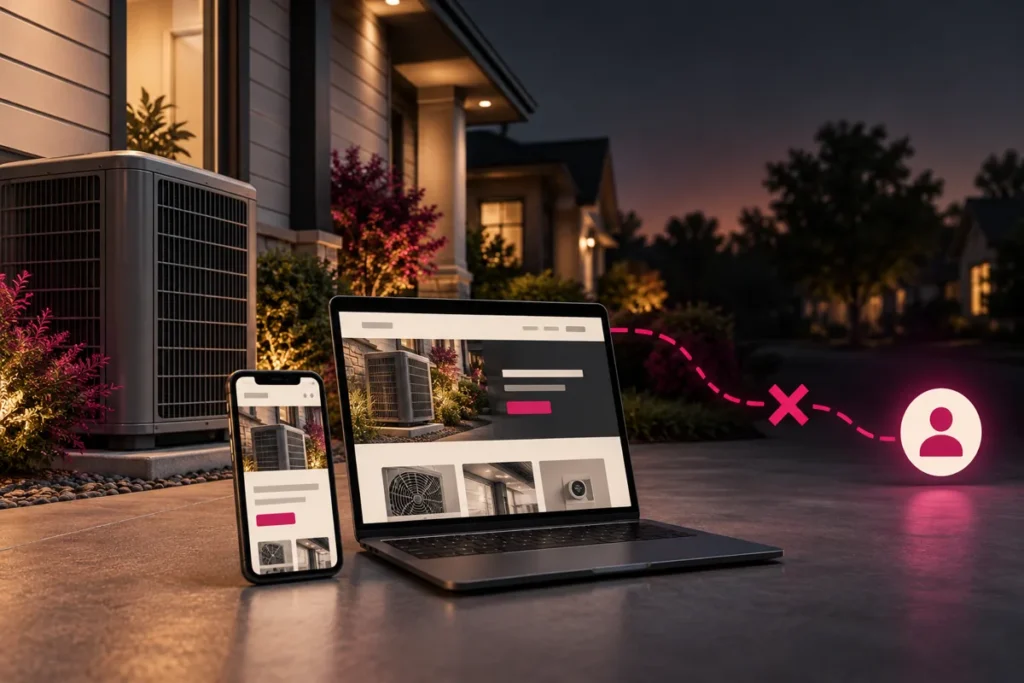
Original conceptual illustration; interface examples below are hypothetical, not client screenshots or measured results.
An HVAC website can struggle to generate leads because the wrong people visit, the page fails to answer their service question, contacting you takes too much effort, or inquiries are missed after submission. A redesign helps only when it addresses the actual bottleneck. Start by tracing one customer journey from search to an answered call or accepted inquiry.
Find the break before changing the design
Imagine a homeowner searching for AC repair in a town you serve. They reach a page about system installation, cannot confirm your service area, and find only a lengthy estimate form. This hypothetical visit shows three separate issues: intent mismatch, missing reassurance, and a contact route that does not fit an urgent request.
Check your analytics, search queries, inquiry records, and call handling together. Separate genuine prospects from spam, sales pitches, repeat customers, and visitors outside your coverage. Ten useful inquiries and ten irrelevant contacts are different outcomes, even if a dashboard counts twenty conversions.
Illustrative diagnostic sequence. Check each handoff instead of treating every missed lead as a design problem.
Match each symptom to a check
| Symptom | Check first | Possible next action |
|---|---|---|
| Few relevant visits | Queries, geography, referral sources | Clarify service pages and acquisition targeting |
| Visits but few contact attempts | Mobile CTA visibility and service-area information | Make the next action easier to find |
| Form starts without accepted inquiries | Validation, required fields, delivery errors | Repair the form before adding traffic |
| Contacts without booked work | Coverage, availability, response process | Improve qualification and follow-up |
Answer the homeowner’s immediate questions
The first useful screen should explain the service, the area covered, and how to reach the business. A specific headline such as “AC repair in the neighborhoods we serve” works only when the page identifies those real neighborhoods. Replace vague promises with verifiable information: actual operating hours, team photos you can use, a clear process, and genuine reviews with a source.
Google explains that local visibility depends on relevance, distance, and popularity. A new layout cannot change your physical distance from a searcher. Keep your business information accurate and avoid promising that design alone will fix local rankings. See Google’s local ranking guidance.
Test contact routes as separate journeys
On a phone, tap the number and check that it opens the correct dialer destination. Confirm who answers during and after business hours. A phone-link click is an intention to call; it is not proof of a connected conversation or a qualified job.
For a form, ask only what the team needs to respond. Keep labels visible, identify optional fields, preserve answers after errors, and explain whether the request confirms an appointment. In a controlled test, verify the success screen and the receiving inbox or CRM. Never count the button click as a successful submission.
Choose one measurable improvement
Use a baseline period, record the change date, and compare equivalent traffic sources and devices. Calculate accepted inquiry rate as successful inquiries divided by relevant sessions, using a consistent definition of “relevant.” Review qualified inquiries and booked work separately. Seasonal demand, campaign changes, and staffing can all affect the comparison.
Kllakar’s design approach is to connect the page promise, the next action, and the actual follow-up process. If the site has multiple friction points, our website design and development service can address the journey rather than merely restyling the homepage.
Questions HVAC owners ask
Should I redesign before buying more traffic?
Fix broken forms, misleading messaging, and unusable mobile controls first. If relevant traffic is almost absent, investigate acquisition as well; redesigning alone does not create an audience.
Is a high bounce rate proof that the website is failing?
No. A visitor may find the number and call without opening another page. Interpret engagement alongside contact attempts, accepted inquiries, and business outcomes.
How soon can I judge a change?
Wait until the comparison includes enough comparable visits and inquiries to be useful. A quiet week or a weather-driven spike can mislead you; there is no universal evaluation window.
Next step: Share your HVAC website and the lead problem you want to solve. Include your service area and how inquiries currently reach your team.