
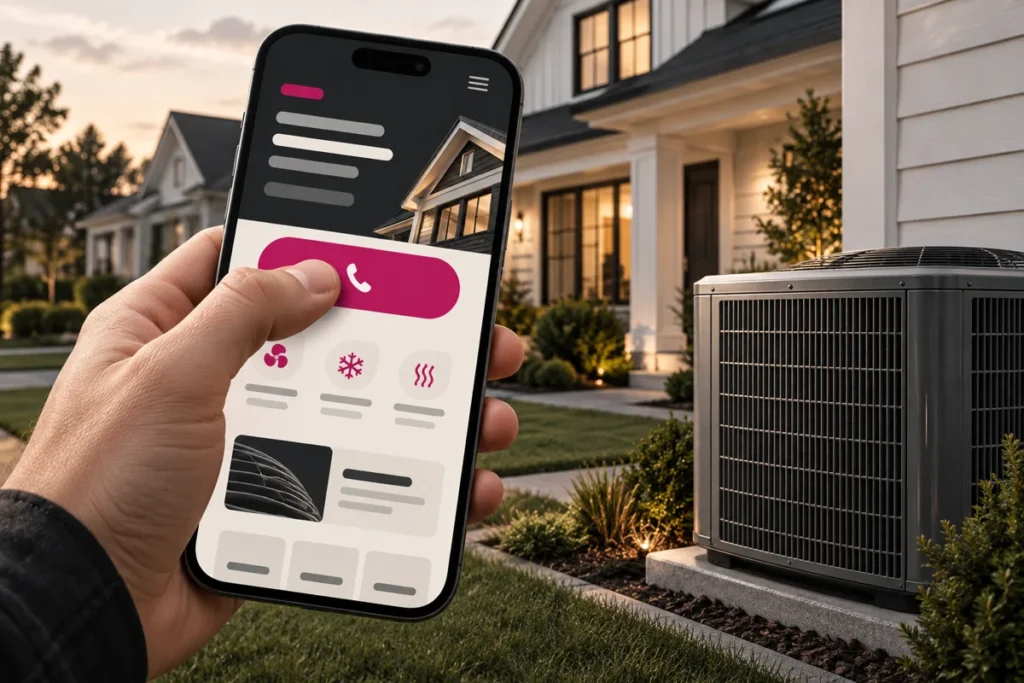
Original conceptual illustration; interface examples below are hypothetical, not client screenshots or measured results.
A mobile HVAC website should help a homeowner identify the right service, confirm coverage, and contact the business without fighting the interface. Responsive dimensions are only the starting point. Design and test the journey on a small screen, including the dialer, form keyboard, errors, and follow-up message.
Design for two different kinds of visits
An urgent repair visitor may want an answered call. Someone researching a future replacement may want to understand options and request an estimate. Put both routes within reach, but let the page’s topic determine which one receives emphasis. Never advertise immediate availability unless the business can deliver it.
A hypothetical repair page might show the service name, coverage summary, operating hours, and a clear “Call about a repair” action before detailed company history. A replacement page can provide a concise process and an estimate request. These are design examples, not a universal winning layout.
Illustrative mobile content order. Essential answers remain readable HTML, not text inside a screenshot.
Make controls comfortable and predictable
Use plain labels, visible focus indicators, and enough space between controls. W3C’s WCAG 2.2 target-size criterion uses a 24-by-24 CSS-pixel minimum with specified exceptions. For important call and form buttons, a larger target can be more comfortable; meeting one measurement does not establish complete accessibility. See W3C’s target-size explanation.
A sticky contact bar can keep a primary action accessible, but test it with the cookie notice, on-screen keyboard, and browser controls. It should not obscure text, trap focus, or compete with several chat and promotion widgets. Confirm the phone number still opens the intended destination.
Keep the form short without hiding its purpose
Show real labels above fields; placeholders disappear as people type. Use suitable email and telephone input types. Explain required and optional fields. If the form has multiple steps, show the number of steps before the visitor begins and preserve answers when they go back.
Show a useful error near the affected field. On a failed network request, keep the visitor’s message and provide a retry path. After a successful inquiry, explain what happens next. A request for a preferred time is not a confirmed appointment.
Measure stability and responsiveness, not just a speed score
Web.dev defines good Core Web Vitals thresholds as LCP at or below 2.5 seconds, INP at or below 200 milliseconds, and CLS at or below 0.1, evaluated at the 75th percentile. These describe loading, interaction responsiveness, and layout stability. See the Web Vitals documentation.
Give images explicit dimensions, avoid loading heavy video before it is needed, and test menus and forms after the page settles. Lab tests help diagnose problems; field data describes real visits when enough data is available. A high test score does not prove that calls connect or inquiries reach the team.
Run this mobile acceptance test
- Open a major service page on an actual phone over a typical mobile connection.
- Confirm service and coverage without opening the menu.
- Use the menu with touch and keyboard where available; verify visible focus.
- Tap the call action and check the destination, without placing an unwanted call.
- Fill the inquiry form, trigger a validation error, and check that text remains.
- In an authorized test, verify both submission confirmation and receipt.
- Repeat with larger text and portrait and landscape orientations.
Kllakar’s website design and development service treats this acceptance checklist as part of the interface brief, not an afterthought to desktop design.
Mobile design questions
Do I need a separate mobile website?
Usually, one well-implemented responsive website is sufficient. Keep the same useful content and clear actions across devices, while adapting layout and interaction.
Should I remove all images on mobile?
No. Relevant team and service photos can help explain the business. Optimize and size them appropriately; remove decoration that delays or obscures the task.
Does click-to-call tracking measure qualified leads?
It measures a click unless connected-call and qualification data are available. Keep those stages separate in reporting.
Want to improve the phone journey? Send Kllakar your HVAC website and the mobile task that feels difficult.