
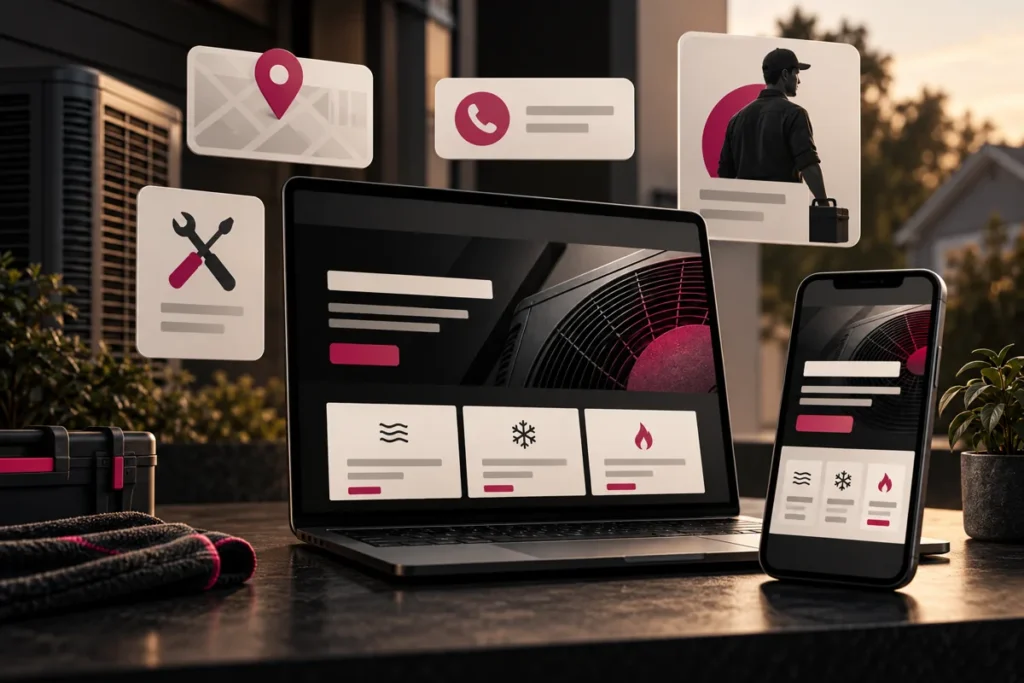
Original conceptual illustration; interface examples below are hypothetical, not client screenshots or measured results.
The best HVAC website features help customers confirm you can handle their job and help your team respond reliably. For a small business, clear service pages, accurate coverage, easy calls, a dependable inquiry form, and editable content usually deserve attention before elaborate automation.
Start with the decisions your customers need to make
Write down three real visit scenarios: an urgent repair request, a planned replacement estimate, and a maintenance question. For each, identify the page, the information needed, the contact action, and the staff member who handles the request. This prevents a feature list from becoming a collection of unrelated widgets.
Customer-facing essentials
Service explanation · Coverage · Hours · Call · Inquiry · Genuine proof
Business-facing essentials
Routing · Content editing · Backups · Delivery checks · Useful measurement
A useful website supports both sides of the inquiry handoff. This is a planning demonstration.
Build these essentials first
Dedicated pages for meaningful services
Create a useful explanation for each major offering that needs one. Describe what the business handles, the inquiry process, and relevant limitations. An AC repair page should not simply repeat an installation page with a different heading. Keep technical service statements approved by the HVAC business.
Accurate service-area information
Make coverage easy to find before visitors commit to a form. A clear list or accessible map can help; a map should also have a text alternative. Publish genuine details for areas you serve rather than spinning up pages with only the town name changed.
Call and inquiry routes that match availability
Show a tappable number and explain when it is answered. Offer a short inquiry route for visitors who prefer writing or arrive outside business hours. Keep required questions focused on the next response. W3C’s form-label guidance explains why controls need clear, programmatically associated labels.
Trust information the owner can substantiate
Use actual team photos, customer reviews with permission and a source, and accurate business history. If credentials or manufacturer relationships are shown, confirm current authorization. Empty badge strips and invented five-star summaries make a page less credible.
Add operational features when the team can support them
| Feature | Add when | Confirm before launch |
|---|---|---|
| Online scheduling | Availability is maintained | Time zones, capacity, notifications, cancellations |
| Live chat | A person or defined process handles messages | Hours, handoff, privacy, after-hours wording |
| Maintenance-plan signup | Plan terms and fulfillment are ready | Pricing, inclusions, consent, follow-up |
| CRM integration | The team already uses a clear pipeline | Field mapping, duplicate handling, failed delivery |
A chat bubble that never gets an answer can be worse than a clear email inquiry. A scheduling widget that accepts impossible slots creates extra work. Choose a simpler request form when the operational process is still manual.
Include the features owners rarely see in a mockup
Make hours, service coverage, offers, and staff information editable. Set up backups and a recovery process. Verify that forms reach the right recipient and that error states do not discard text. Preserve useful URLs or map redirects during a rebuild. These capabilities matter after the launch screenshots stop being new.
Measure accepted inquiries and qualified outcomes, separating them from call-link clicks and form starts. Avoid gathering information you do not need. Set access and retention practices with the owner rather than collecting every possible detail by default.
Choose a small, testable launch scope
For a hypothetical small contractor, the first release might include a homepage, useful major-service pages, coverage information, an about page, and a tested contact route. The correct count follows the business, not a package template. Our website design service can help prioritize this scope and plan later additions.
Feature-planning questions
Does every HVAC website need online booking?
No. Use confirmed booking only if availability and dispatch rules can support it. Otherwise, label the action as a request and explain how confirmation works.
Should a startup publish a blog immediately?
Only if it can maintain useful, accurate content. Strong core service pages and reliable contact routes come first. Do not publish filler to make the site appear larger.
Do more features mean more leads?
No. A feature helps when it removes a real barrier or improves follow-up. Additional scripts and choices can also create friction.
Need a practical feature shortlist? Tell Kllakar how your HVAC business receives and handles inquiries.